
Some links in this guide are affiliate links. If you book through them, Hello Korea Tips may earn a small commission at no extra cost to you.
Last checked: November 1, 2026
Getting online in Korea is the easy part of your trip. If your phone isn’t carrier-locked and supports eSIM, I’d buy a data eSIM online before you fly. Here’s how to check your phone, where to buy, and when a Korean number is worth it.
Quick answer
- 📱 Best for most phones: a data eSIM, if your phone has no carrier lock and shows an EID
- 💰 Price: 18,000 won for 3 days of LTE at SK Telecom or LG U+ (online, as of November 1, 2026)
- 🧳 At the airport: all three carriers have 24-hour counters on the 1st floor of both Incheon terminals
- ✅ Get a voice plan if: you need to call or text Korean numbers
These three options solve different problems, and your phone settles most of the choice before price even comes up.
eSIM, SIM card, or pocket Wi-Fi: what’s the difference?
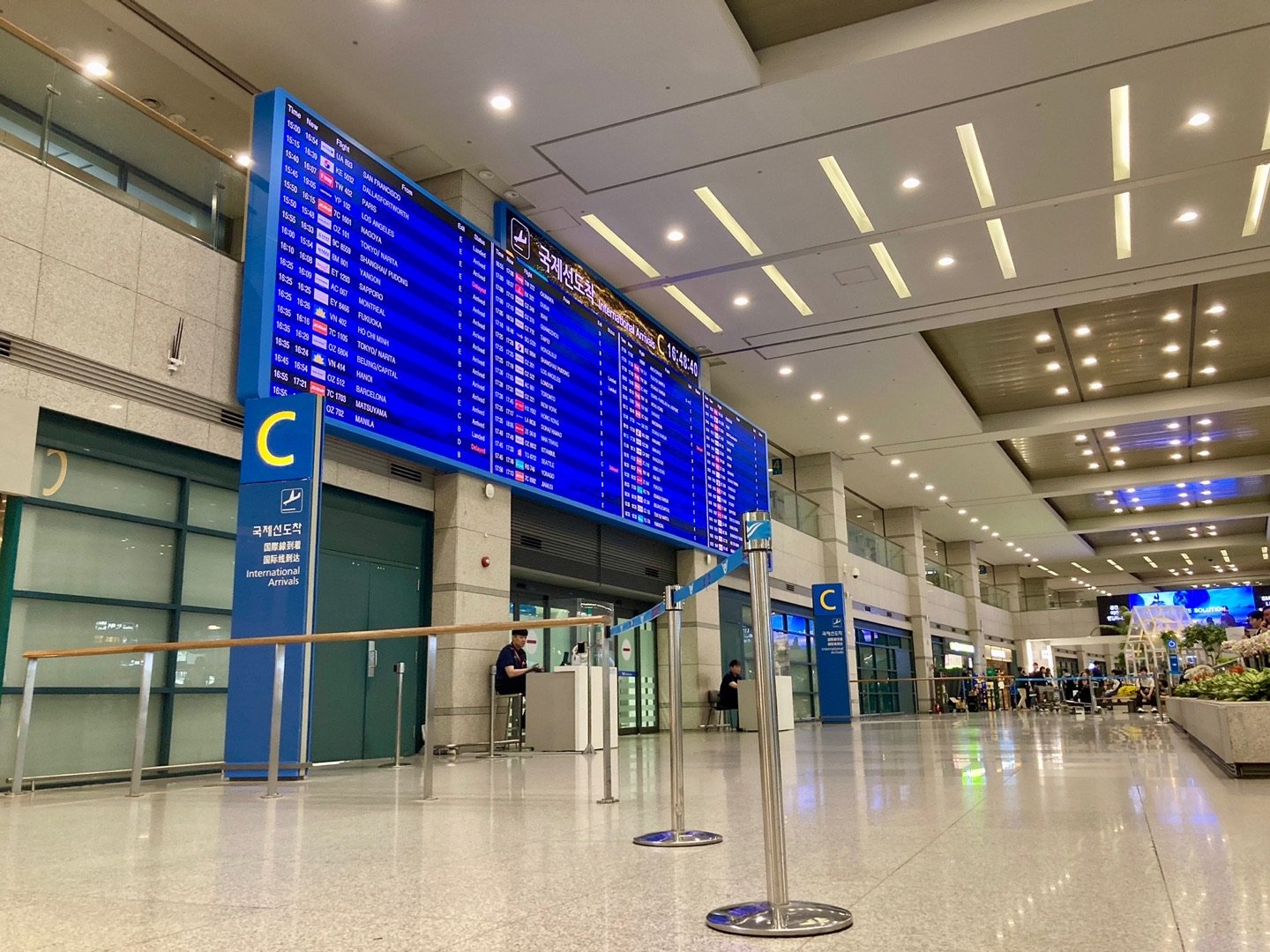
SK Telecom, KT, and LG U+ each sell all three to visitors. In plain terms, an eSIM is a SIM you download, and a SIM card (Koreans call it a yusim) is the tiny chip you swap in. A pocket Wi-Fi is a small router you carry around.
I compared them side by side using the carriers’ own English pages:
| What to know | eSIM | SIM card | Pocket Wi-Fi |
|---|---|---|---|
| Works on a carrier-locked phone | No | No | Yes |
| Where you get it | Online or at the airport | Airport counter pickup | Rented with your passport and a card |
| You return it | No | No | Yes |
| Lowest price at SK Telecom and LG U+ (Nov 1, 2026) | 6,500 won for 1 day | 6,500 won for 1 day | 4,400 won a day |
Let your phone decide first, then your budget. If it can’t take an eSIM or a SIM card, the choice is already made for you.
What a data plan costs
These are online LTE eSIM prices from SK Telecom and LG U+, as of November 1, 2026. LG U+ lists 1 to 5 days up front, and its longer plans didn’t load when I checked, so I’ve marked those cells “Not shown”:
| Days | SK Telecom | LG U+ (data only) |
|---|---|---|
| 1 | 6,500 won (data only) | 6,500 won |
| 3 | 18,000 won | 18,000 won |
| 5 | 27,500 won | 27,500 won |
| 7 | 35,000 won | Not shown |
| 10 | 38,500 won | Not shown |
| 15 | 55,000 won | Not shown |
| 30 | 71,500 won | Not shown |
Where both list a price, it’s the same, but the plans differ. From 3 days up, SK Telecom adds voice and text, a free transport card worth 3,000 won, and free entry to sights such as Gyeongbokgung. That palace pass has to be registered and used by December 31, 2026. The LG U+ prices come before its online discount code.
SK Telecom SIM cards start at the same prices, and 5G costs more, with its 3-day 5G eSIM at 25,000 won. KT’s October 2026 user guide lists the same data-plan prices as SK Telecom for these days. I couldn’t confirm airport counter prices on the official pages, so I’d check those before you pay in person.
Will an eSIM work on your phone? Check two things

I’d do this at home, a week or so before you fly, in case you need help from your carrier.
Is your phone carrier-locked?
All three carriers say their plans need a phone without a country lock, the kind of lock that blocks foreign SIMs. SK Telecom also notes that scanning the QR code successfully doesn’t mean the eSIM will work on a locked phone.
- iPhone: open Settings > General > About. If “No SIM restrictions” appears next to Carrier Lock, you’re good.
- Pixel: phones from the Google Store come without a SIM lock. One bought from a carrier can stay locked for up to 2 years.
- Still locked: only your current carrier can remove the lock (Apple says so plainly), so ask them early.
Does it support eSIM?
SK Telecom and KT suggest a quick test: dial *#06# in your phone app. If an EID appears, your phone supports eSIM.
- iPhone: XS, XS Max, XR, or later, with exceptions for some models sold in China mainland, Hong Kong, and Macao. Check your exact model.
- Pixel: look for the EID under Settings > About phone > SIM status.
- Bought in the US: iPhone 14 or later, and Pixel 10 or later (except the Pixel 10 Pro Fold), are eSIM-only, so a SIM card is off the table.
One more for Android: LG U+ says its eSIM doesn’t support Google Pixel, Motorola, or OPPO phones. SK Telecom’s plan pages and KT’s user guide don’t list that restriction, but that doesn’t mean your phone will work.
⚠️ Heads-up
It’s hard to get a refund for an eSIM. LG U+ won’t refund a data eSIM after payment, and KT won’t cancel one once it’s activated on your phone. SK Telecom takes refund requests for a scanned eSIM only when a lock or missing eSIM support is the reason. I’d check both before you pay.
Why a data eSIM is my default pick
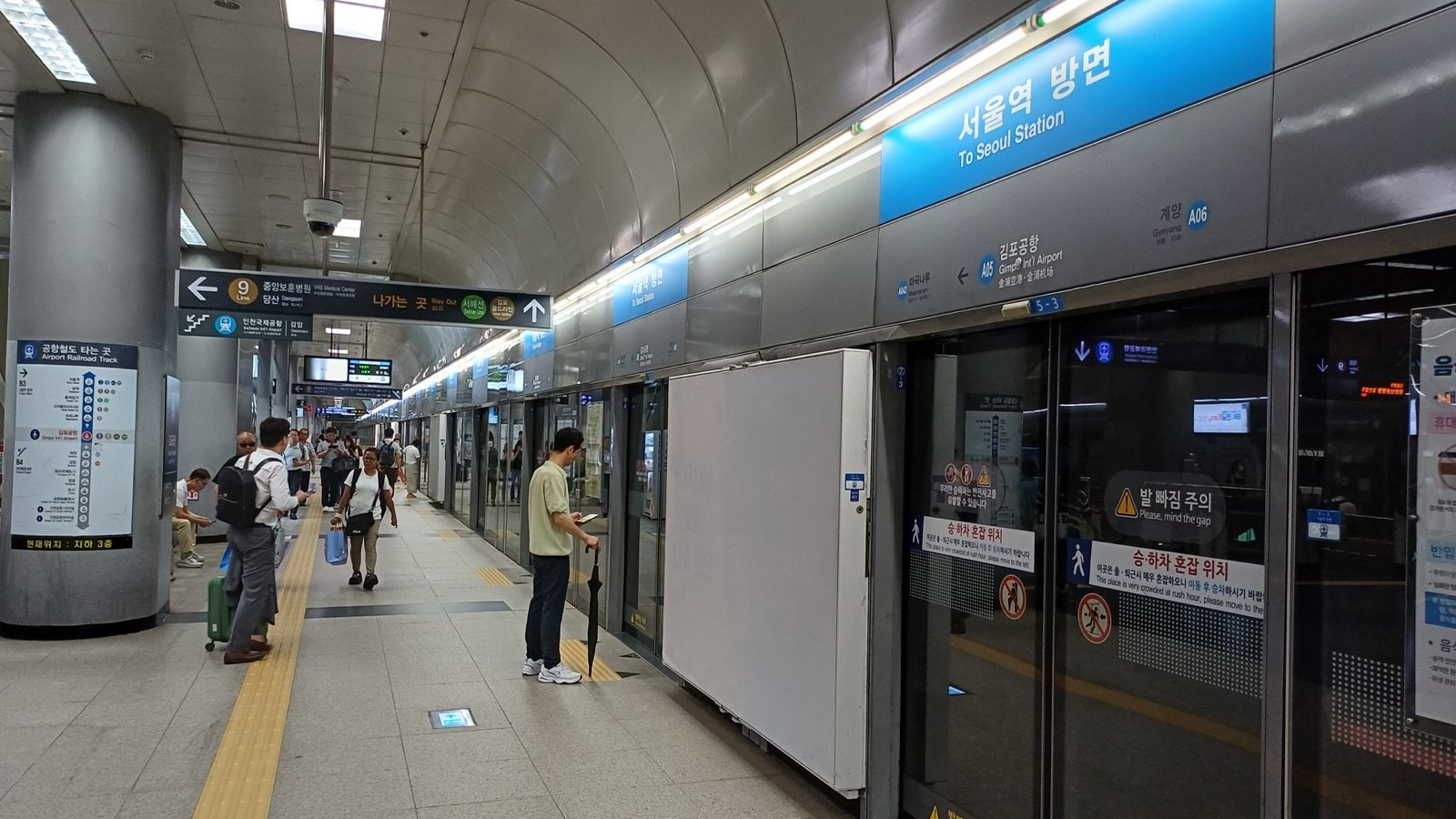
For most visitors, I’d go eSIM. No card to collect, nothing to return, and after a long flight I’d rather walk straight to the train than join a counter line.
Your home number can stay on, too. Supported iPhones can keep two eSIMs active at once, and FaceTime and iMessage keep using your home line even if the travel eSIM is the only one switched on.
On iOS 26 or later, if you’ve already added a travel eSIM, you may get a “Turn On Travel eSIM” alert when you arrive. With both lines on, the travel eSIM handles data, but your home line might still charge roaming fees. I’d make sure Settings > Cellular > Cellular Data points to the travel line.
On a Pixel, go to Settings > Network & internet > SIMs > Add SIM > Set up an eSIM. Pixel 7 and later can run two eSIMs at once if the carrier allows it.
💡 Yuna’s tip
Setup needs an internet connection, but before you install it at home, check when your plan’s days start. KT’s guide says from the moment you install it. Once it’s on, don’t delete it mid-trip: none of the three carriers will reissue a deleted eSIM.
No rush, either. SK Telecom gives you 180 days to scan the QR code, KT 90 days to install, and LG U+ 60 days to activate. Miss the KT deadline and the eSIM is canceled with no refund.
When do your days start? At LG U+, the first time you use data, not when you pay. KT’s guide says the moment you install the eSIM, counted in 24-hour blocks. SK Telecom’s plan pages give the length (3 days is 72 hours) but not the start, so I’d ask before you install at home.
When a SIM card or pocket Wi-Fi makes more sense

If your phone has no carrier lock and a SIM tray but no eSIM, a SIM card does the same job. The trade-off is pickup: you collect it at an airport counter, and LG U+ also has you upload your passport.
A pocket Wi-Fi works even with a locked phone, because your phone just joins its Wi-Fi. As of November 1, 2026, SK Telecom and LG U+ rent one from 4,400 won a day, and SK Telecom suggests 3 to 5 devices per router.
“Unlimited” means something different at each carrier, for routers and eSIMs alike.
- SK Telecom: routers may slow down as more devices connect. LTE plans hold 100 Mbps with no data cap.
- KT: eSIMs and SIMs are capped at 5 Mbps after 11 GB a day, refilled at midnight.
- LG U+: routers get 4 GB a day, then up to 5 Mbps until midnight. Data eSIMs allow hotspot use.
For the router, bring your passport and a card. LG U+ takes debit cards but holds a 70,000-won deposit on them, refunded automatically when you return the router in good condition. I couldn’t confirm the other two carriers’ debit card rules, so a credit card is the safer bet.
Honest take
I’d rent a router only if you’re sharing data as a group or you can’t get your phone unlocked. A router is one more gadget to keep charged, and one more airport stop on your way home.
If you’re still torn, here’s how I’d decide:
Yuna’s pick
No carrier lock and an EID on screen: I’d get a data eSIM online before you fly.
No carrier lock, but no eSIM either: I’d go with a SIM card from an airport counter.
A locked phone, or a group sharing one connection: I’d rent a pocket Wi-Fi.
Buying at Incheon Airport: where the counters are
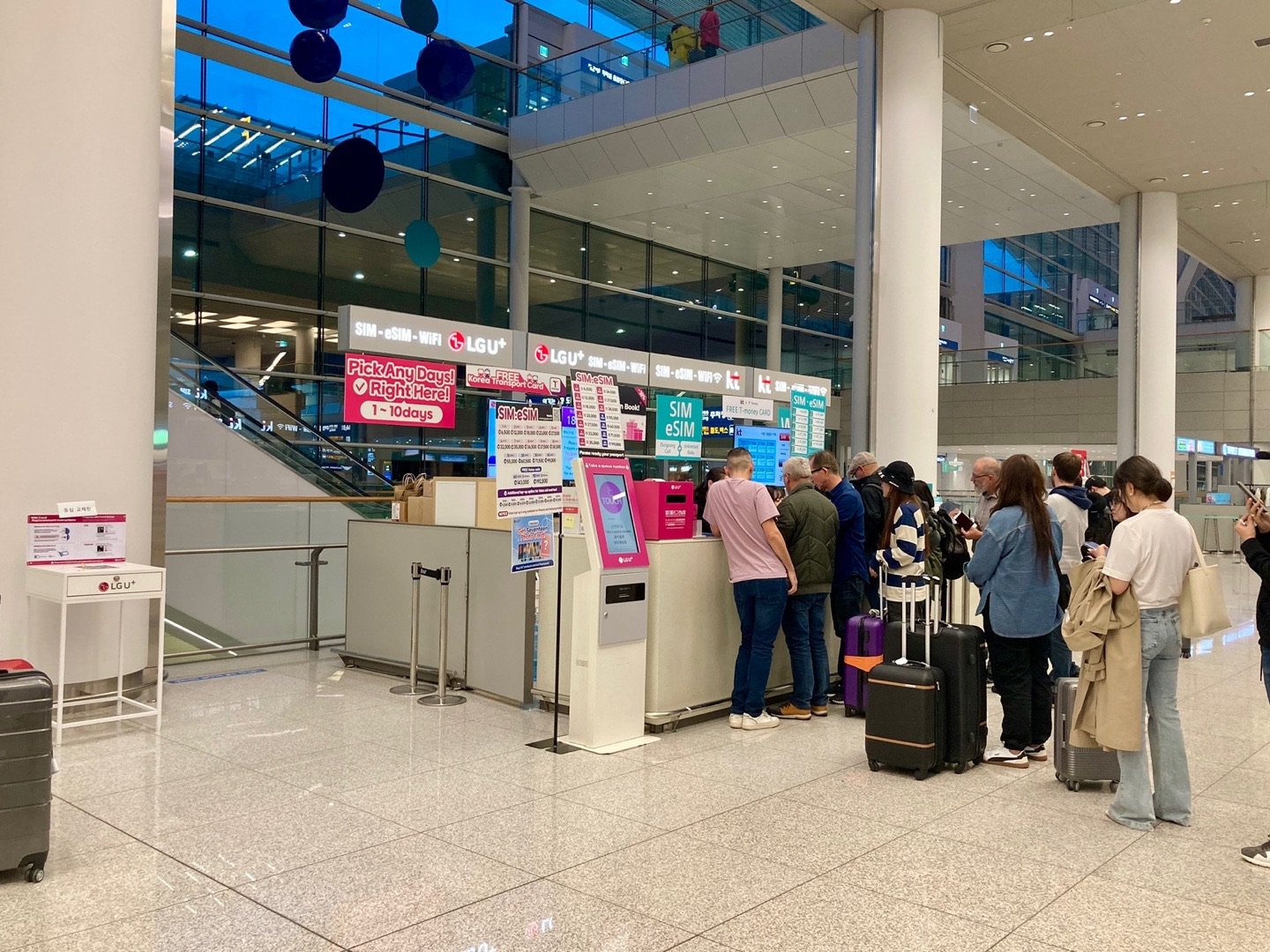
Buying in person works too, and I’d do it if you want a voice plan from LG U+, since its data-plus-voice plans are airport-only. The main counters are on the 1st-floor arrivals level.
- Terminal 1: all three carriers have 24-hour counters near Arrival Hall F on the west side. Their counters near Arrival Hall A, on the east side, keep 6 a.m. to 10 p.m. hours.
- Terminal 2: all three have 24-hour counters on the 1st floor.
- Departures, 3rd floor: both terminals have carrier counters too, mostly open 6 a.m. to 10 p.m.
💡 Yuna’s tip
Landing after 10 p.m.? In Terminal 1, skip the Hall A side and head straight for the 24-hour counters near Arrival Hall F.
LG U+ accepts walk-ins on arrival day and says booking ahead comes with extra benefits. You can return its router at any of its counters at Incheon, Gimpo, or Gimhae airport.
If you’re staying three days or more, look at the transit card extras. SK Telecom adds a free transport card worth 3,000 won to its 3-to-90-day plans, and LG U+ gives a free T-money card with 3-day-plus plans picked up at the airport. Whether to top it up or get a transit pass instead is its own question, and my Seoul Climate Card guide answers it.
Do you need a Korean phone number?
For most visitors, I don’t think so. At SK Telecom and KT, data works whether or not you’ve done the passport check, and both allow internet calls such as FaceTime. That covers most of what a visitor needs.
If you do need calls and texts, here’s how they work:
- Data-only plans: at LG U+, you can receive calls and texts but not make them, and you can’t top up for voice later. KT’s guide says its data plans get free incoming calls and texts after the passport check, and outgoing calls once you top up voice credit.
- Voice plans: incoming calls and texts are free at SK Telecom and KT once the passport check is done. Outgoing calls cost 4.4 won a second at both (as of November 1, 2026).
- Passport check: SK Telecom does it online from 8 a.m. to 10 p.m., or at its airport roaming center outside those hours. KT does it online, or at its airport roaming center if the online check doesn’t work. Each passport can verify just one plan; SK Telecom allows another once the first ends.
The real limit is ID checks. A restaurant app, for example, may text a code to a Korean number. Only LG U+ says its voice plans pass that kind of text check, and its data-only plans don’t.
None of the three carriers’ tourist plans support a full identity check, so any app or site that requires one is off the table. A Korean number helps with calls and texts, not with proving who you are.
💬 Say it in Korean
본인인증
bonin injeung
“Identity verification.” If you see this on a Korean app or website, it wants the ID check that tourist SIMs and eSIMs can’t do, so look for another way to sign up.
Which taxi apps work without a Korean number?
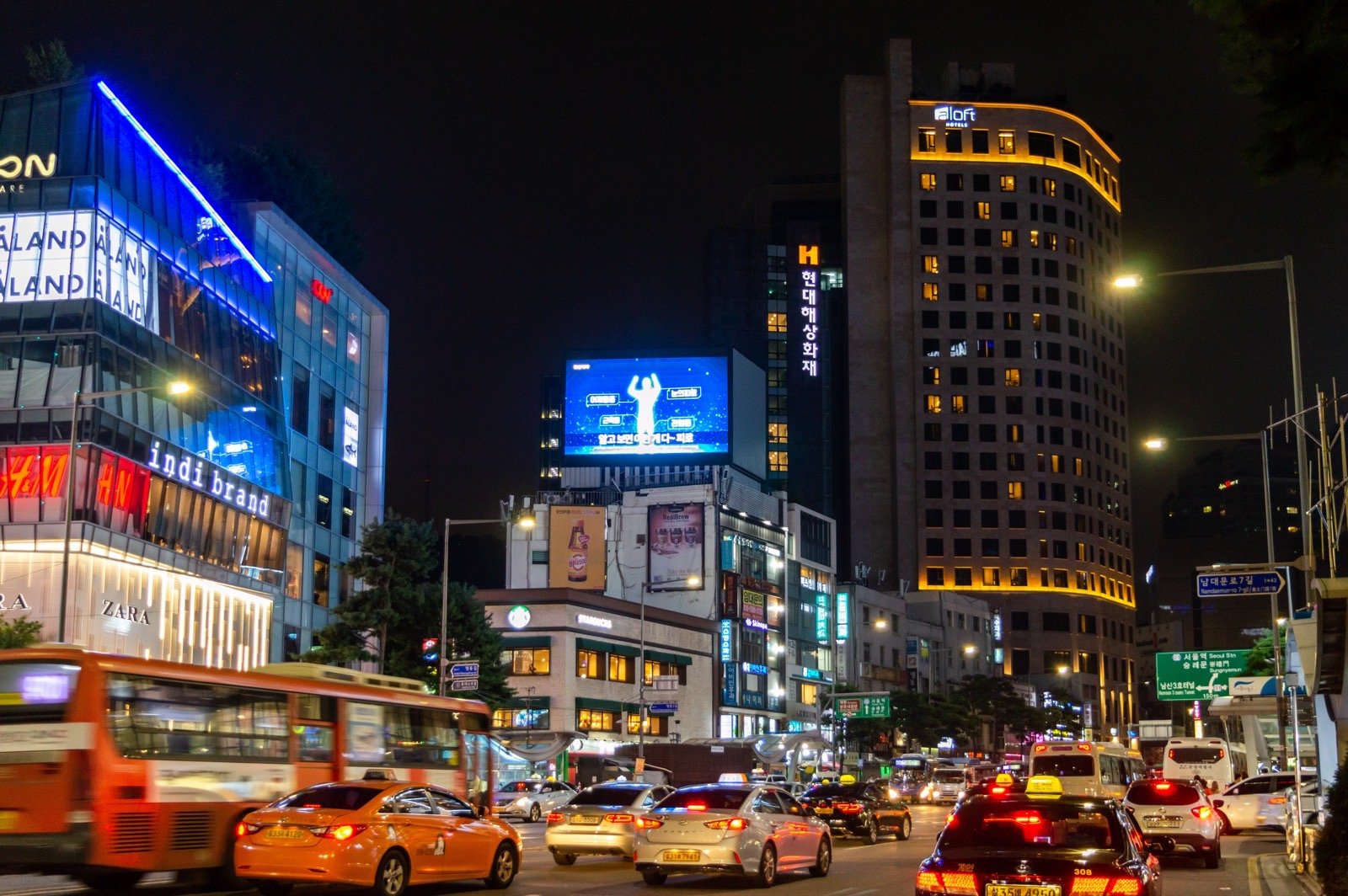
Not every taxi app needs a Korean number. VISITKOREA, the Korea Tourism Organization site, lists these:
- k.ride: a taxi app for foreign visitors that Kakao Mobility launched in 2024. No KakaoTalk sign-up, foreign credit cards work in the app, and it comes in English, Japanese, and Chinese.
- TADA: sign up with an international mobile number and pay by credit card.
- TABA: sign up with a phone number or a Google or Apple ID.
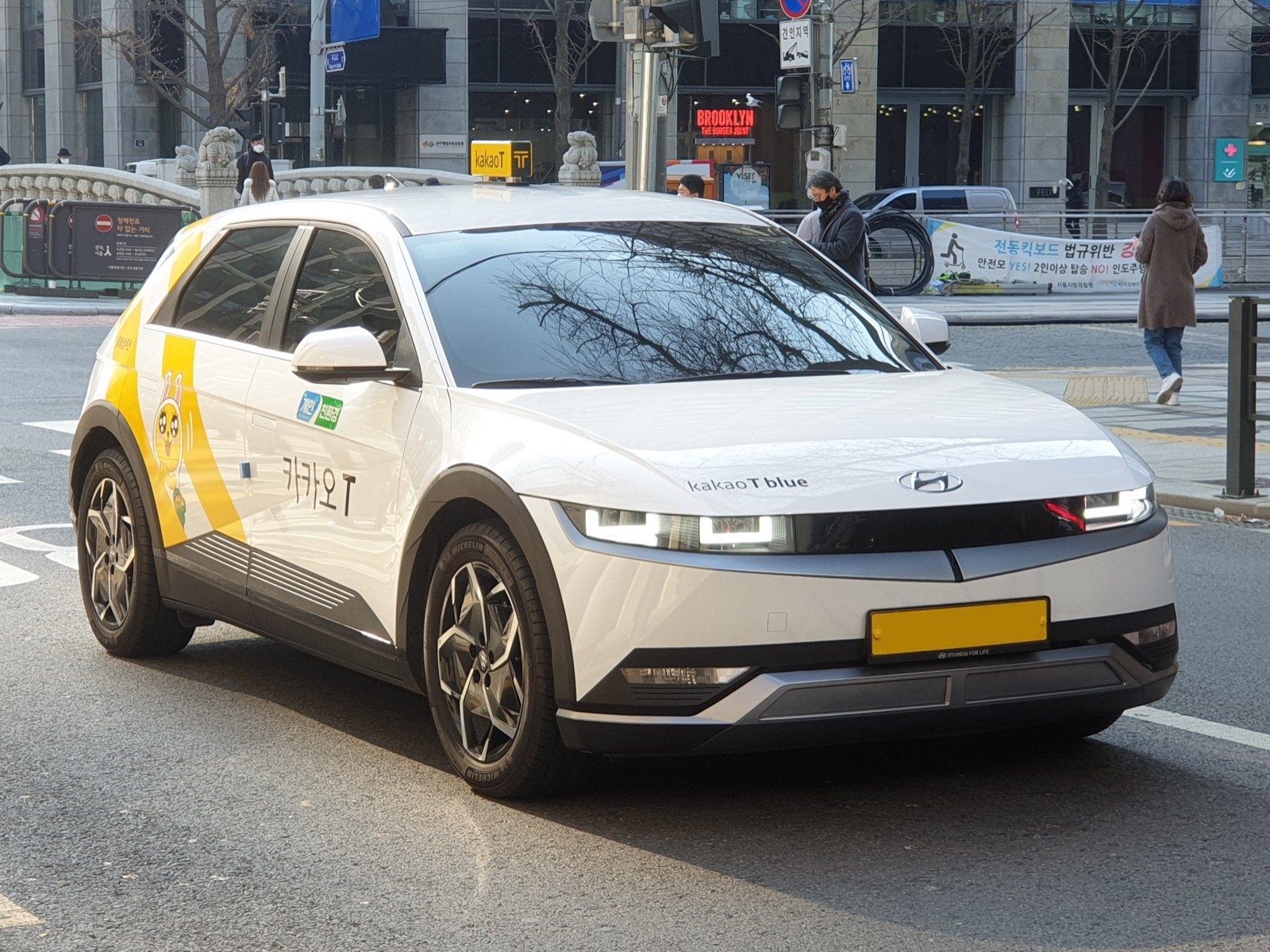
- Kakao T: you first need a Kakao account, made through KakaoTalk.
That page was last updated in October 2025, so the requirements may have changed. I’d install the app and sign up at home to catch any problems before you travel.
And delivery apps? I couldn’t find an official page from Baemin, Coupang Eats, or Yogiyo confirming whether a foreign number works. Check in the app before you need to order.
FAQ
Can I buy a Korean eSIM before I arrive?
Yes, from all three carriers. At LG U+, though, plans with calls and texts are airport-only.
Do I need my passport for a Korean SIM or eSIM?
Keep it handy. SK Telecom and KT both need a passport check before calls and texts come through, and LG U+ asks you to upload your passport for a SIM card.
How long can I use a tourist SIM or eSIM?
Up to 90 days. SK Telecom and KT sell these plans for short visits of 90 days or less.
If you do one thing before your flight, make it this: check the lock and the EID on your phone before you pay for any plan. Spotted something that’s changed? Tell me on the Contact page and I’ll check it against the official source.
Hwaiting! (It’s how Koreans say “you’ve got this.”)
Yuna
📌 Read next
- Seoul Climate Card for Tourists (2026): Prices, Foreign Cards & T-money: what to tap at the subway gate once you’re online
🎟️ Book it
Want it sorted before you fly? These are the ones I would look at on Klook:
Sources and last check
How I put this guide together: from the English pages SK Telecom, KT, and LG U+ publish for visitors, Incheon Airport’s facility guide, Apple and Google help pages, and VISITKOREA, checked on October 31, 2026 and rechecked on November 1, 2026. Nothing here is sponsored (the booking links are affiliate links, as noted at the top), and no carrier paid for or reviewed it. More on how I research every guide is on the About page.
Last checked: November 1, 2026. Prices, plans, and counter hours change often, so please confirm on the official pages before you buy. This is an independent guide, not affiliated with SK Telecom, KT, LG U+, Incheon International Airport, Apple, Google, or any app named here.
Official sources (all in English):
- SK Telecom: Roaming for visitors
- SK Telecom: LTE eSIM, 3 to 90 days
- SK Telecom: 5G eSIM
- SK Telecom: 1-day data eSIM
- SK Telecom: 1-day data SIM
- SK Telecom: LTE SIM, 3 to 90 days
- SK Telecom: Rental FAQ (if it opens the home page, find FAQ under Info & Benefits)
- SK Telecom: Wi-Fi router
- KT: Roaming for visitors
- KT: eSIM
- KT: SIM
- KT: WiFi router
- KT: Passport check (Entry Check)
- KT: Korea SIM / eSIM user guide (PDF, October 2026)
- LG U+: Korea eSIM
- LG U+: Korea SIM card
- LG U+: eSIM and SIM FAQ
- LG U+: Pocket Wi-Fi
- Incheon Airport: Terminal 1 mobile and roaming counters
- Incheon Airport: Terminal 2 mobile and roaming counters
- Apple: Set up eSIM on iPhone
- Apple: Use eSIM while traveling internationally
- Apple: How to unlock your iPhone for use with a different carrier
- Apple: Which SIM type your iPhone uses
- Google: Set up a new eSIM on Pixel
- Google: Dual SIMs on Pixel
- Google: Use your Pixel with any carrier
- Google: Find the EID on a Pixel
- VISITKOREA: Ride-hailing apps in Korea (last updated October 2025)






.jpg)

Leave a Reply